Implementation Time
- Email + Shared Drives
- N/A
- Rockhopper
- 30 minutes
- Enterprise EPM
- 6-12 months
Finance runs on critical spreadsheets - and now AI agents are in the mix. Rockhopper brings audit, observability, and version control so nothing happens in the dark.



7,300+
Hours saved yearly
94%
Faster variance detection
Zero
Compliance violations
40%
Faster month-end close
Backed by the best, integral to the highest performing teams.






Our spreadsheet review platform builds trust in your files, saves time finding variances, and minimizes errors for CFO teams everywhere.
Spreadsheet errors are easy to make and hard to catch. The question is whether you'll act now to fix your review processes before the next audit — or after.
Hard to track changes to critical spreadsheets and understand what happened. Every unknown edit is a risk that takes time to investigate.
"Can you show me the approval for this calculation?" "How did you arrive at these numbers?" Without clear documentation, these questions become scrambles.
Is this v23_final_FINAL_use_this.xlsx or v24? Nobody knows. Critical decisions on wrong data.
Critical models stuck in someone's inbox during month-end close. Manual follow-ups waste hours.
88% of spreadsheets contain errors. One mistake = months of remediation and millions in costs.
Source: KPMG Financial Reporting Survey
FP&A and Accounting working off different versions. Reconciliation becomes a nightmare.
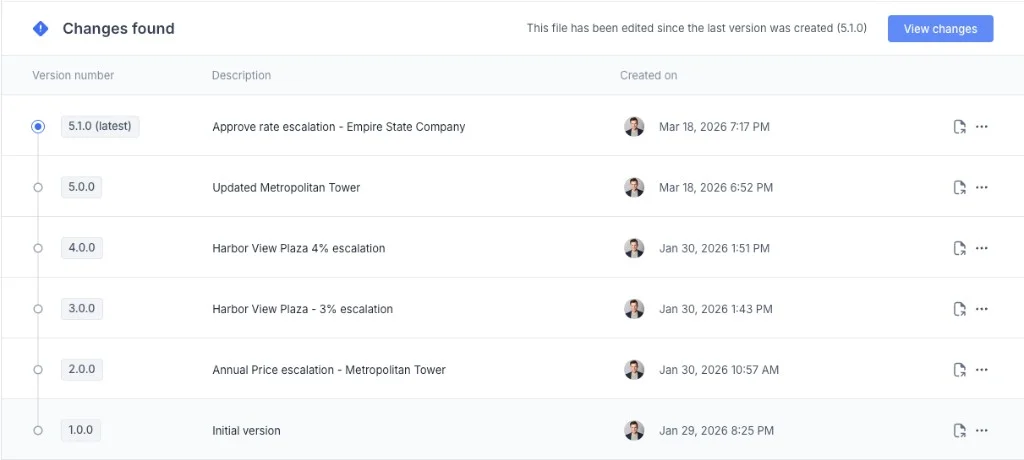
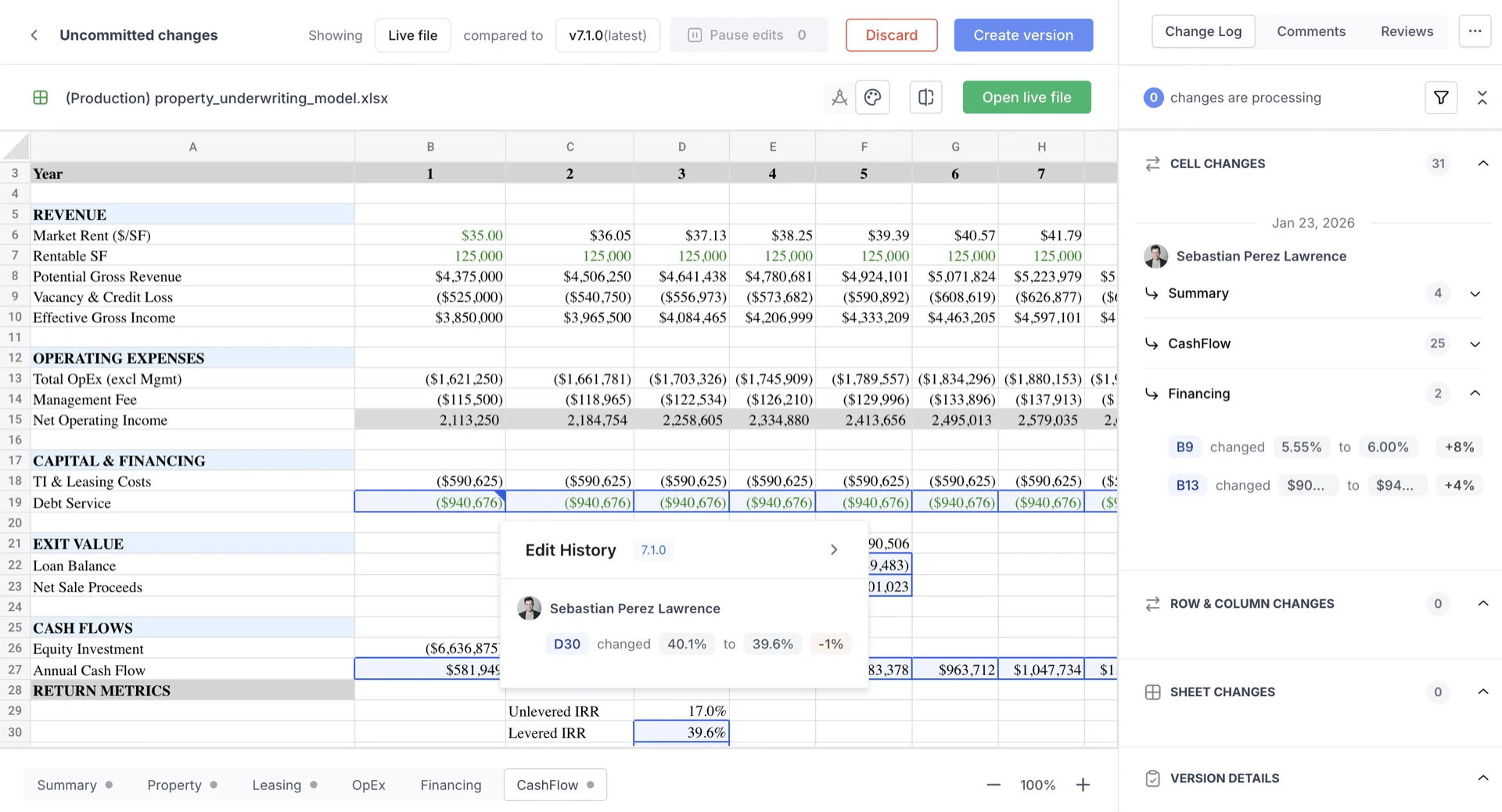
Automate version context. Revert to any point. Create templates from approved versions. Never lose work again.
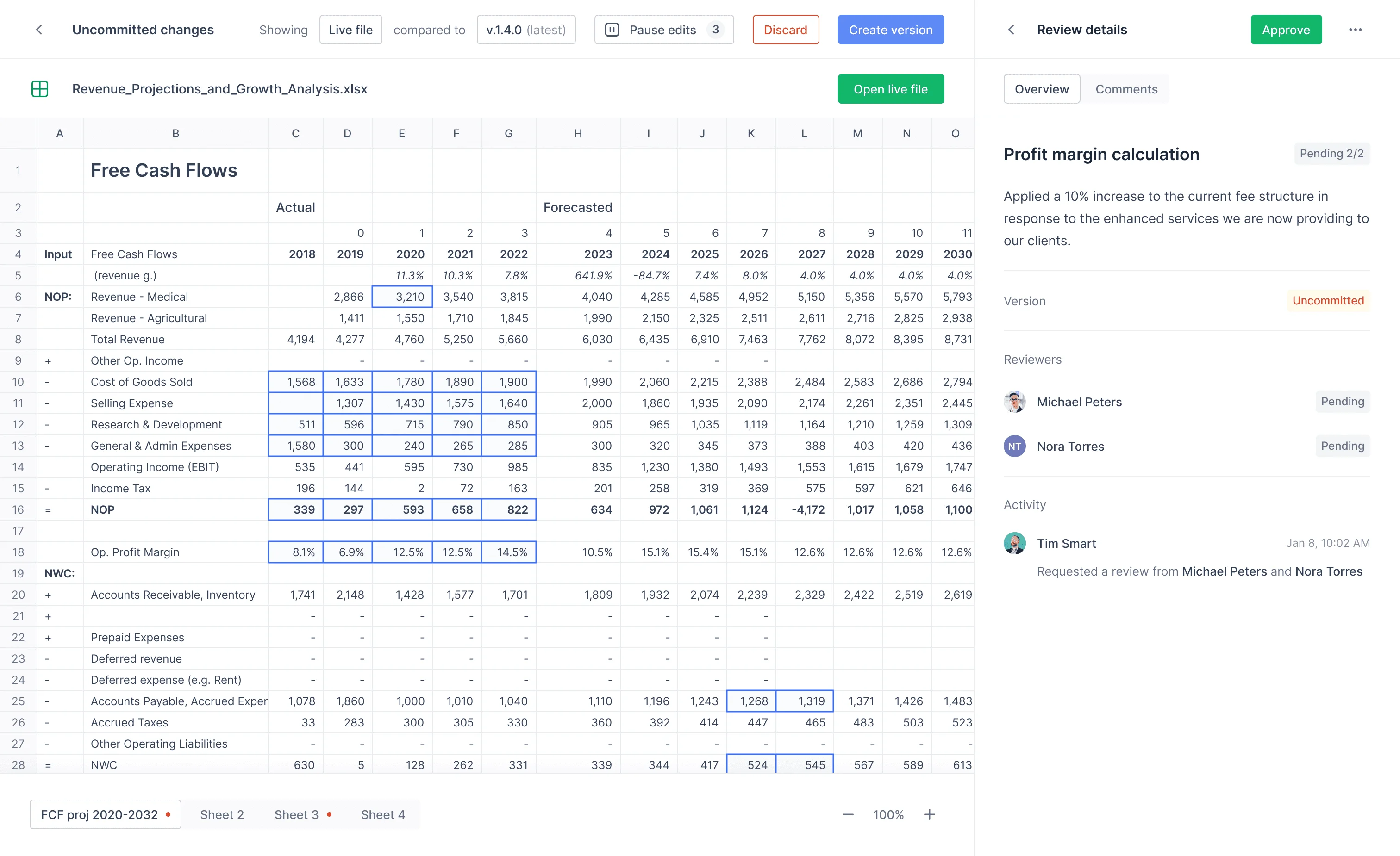
Create accountability and improve SOX processes. Auto-escalate exceptions. Document everything for auditors.
360 degree collaboration for faster close efficiency. Respond to team questions and reviews in one centralized place.

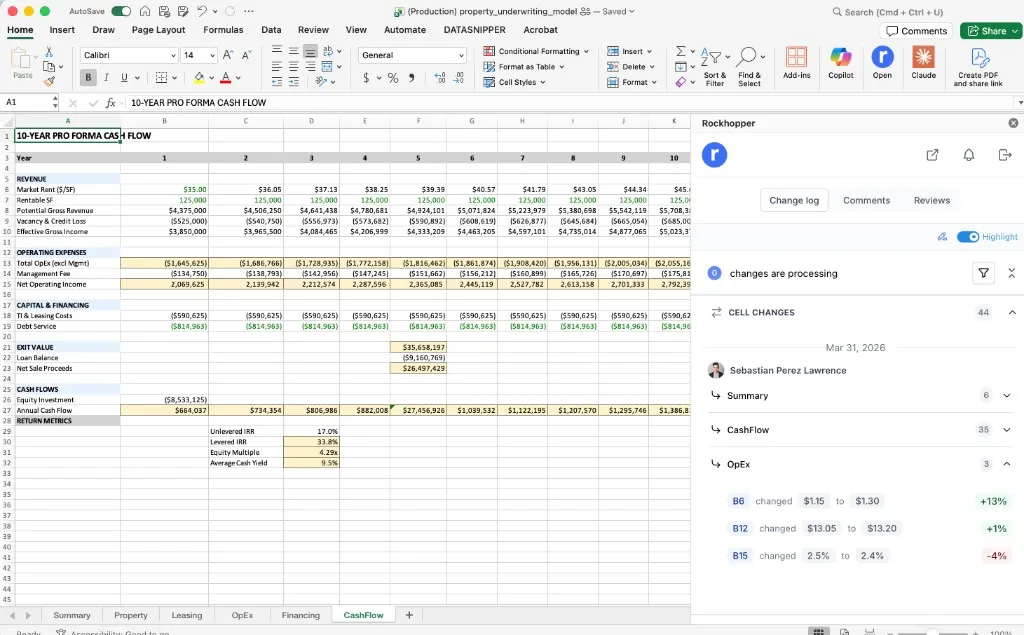
Visual highlighting, detailed change logs, and instant variance detection. What took hours now takes minutes.
Compare your options: manual processes, Rockhopper, or expensive enterprise systems.
Featured Case Study
How a leading real estate FP&A team improved control, transparency, and alignment in spreadsheet-driven forecasting.
Howard Hughes evaluated Rockhopper to eliminate version confusion and bring structured spreadsheet reviews into existing Excel workflows.
AUM
$10B+
Team
20 FP&A members
Platform
Microsoft 365
Howard Hughes selected Rockhopper for practical adoption speed, stronger spreadsheet accountability, and better review transparency without changing existing Excel workflows.
The future of audit is a collaboration between agents and humans — two separate species working together. The tools they use must welcome both equally.
Security isn't an afterthought - it's our foundation. Rockhopper meets the most stringent compliance requirements.

Annual audits verify our security controls meet the highest standards for data protection.

Quarterly penetration testing by certified security professionals identifies and eliminates vulnerabilities.

Bank-grade encryption protects your data at rest and in transit. Your spreadsheets are always secure.
ROI Calculator
Calculate your potential savings based on team size and current review workload.
Hours Saved Monthly
0
Days Back in Your Month
0
Annual $ Savings
$0
No rip-and-replace. Rockhopper integrates seamlessly with the tools your team already uses.
Native Excel integration
Full Sheets support
Cloud storage
Direct sync
Cloud storage
Final step
Live walkthrough of version control, review workflows, and audit trail in under 30 minutes.
No commitment. Bring one workbook, leave with a rollout path.